
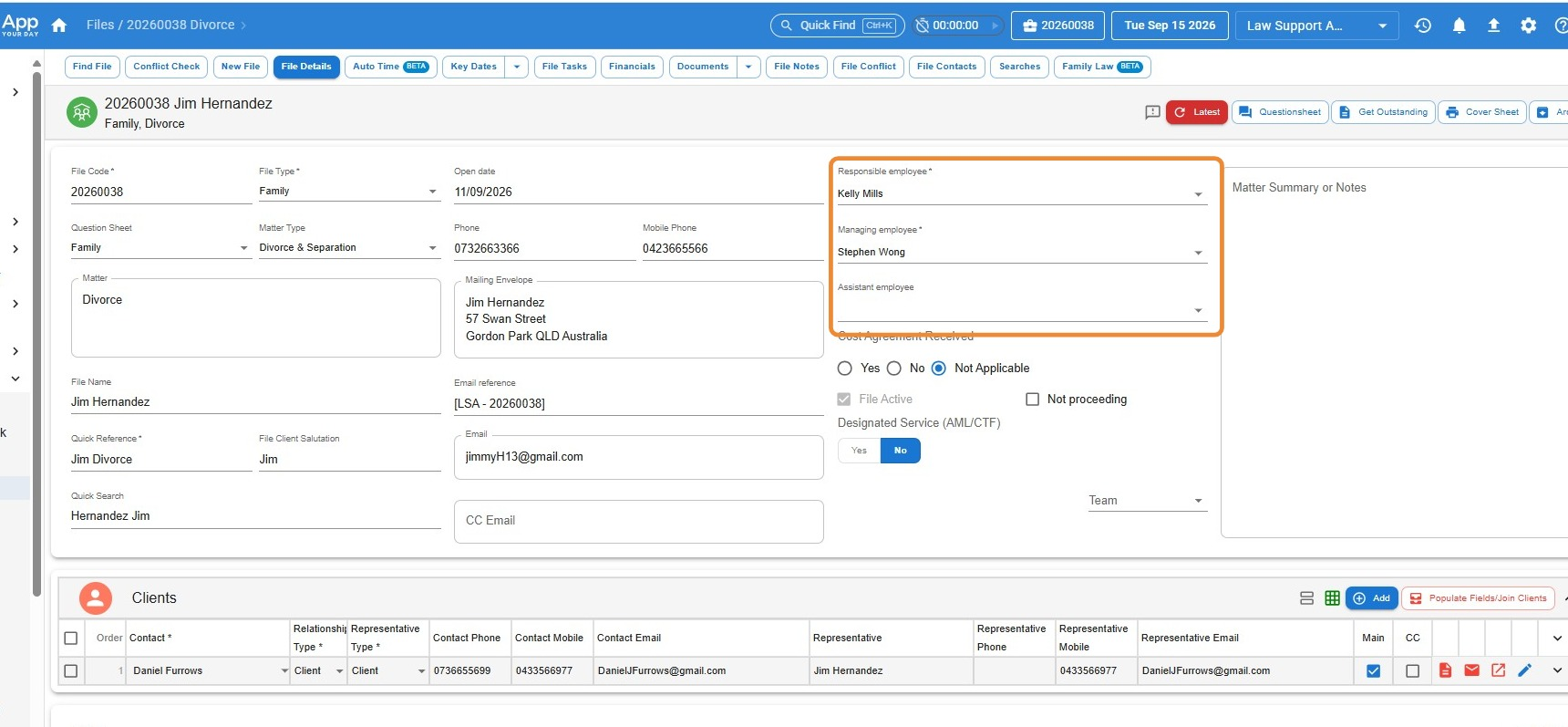
You can update the Responsible, Managing, or Assistant employee on a file at any time by following the steps below:
Steps:
- Open the file
Go to the matter you wish to update. - Go to the Details tab
Locate the fields on the right-hand side labelled:- Responsible employee
- Managing employee
- Assistant employee (if used)
- Update the employee
- Click the dropdown arrow on the field you want to change the employee in.
- Select the correct name from the dropdown list.
- Press Save
Don’t forget to click Save to apply the change.
This ensures the correct team member is recorded as the fee earner or file owner, and their name will display in relevant reporting and correspondence fields.
Leave a Reply