
This may be due to your token being expired and you will just need to re log back in, you can follow the steps below.
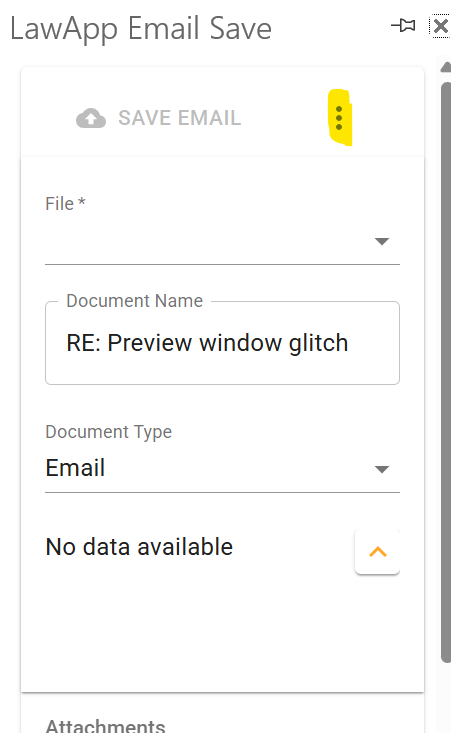
- First click on the 3 dots as highlighted below and that will bring up a menu.
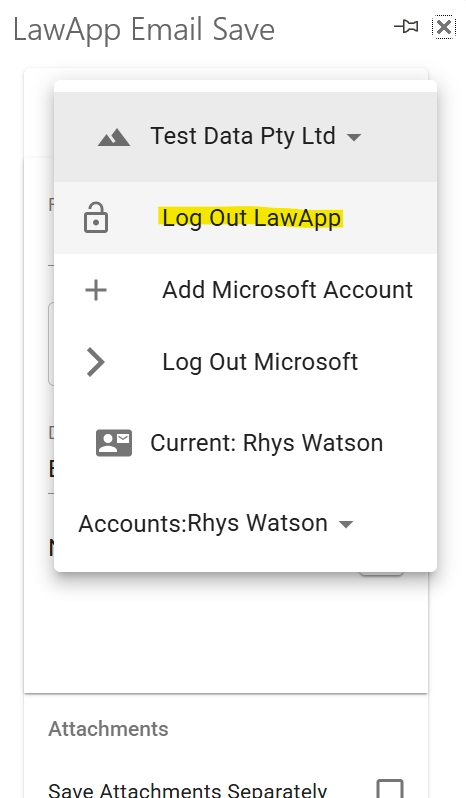
- Then select the “Log Out LawApp” option from the menu
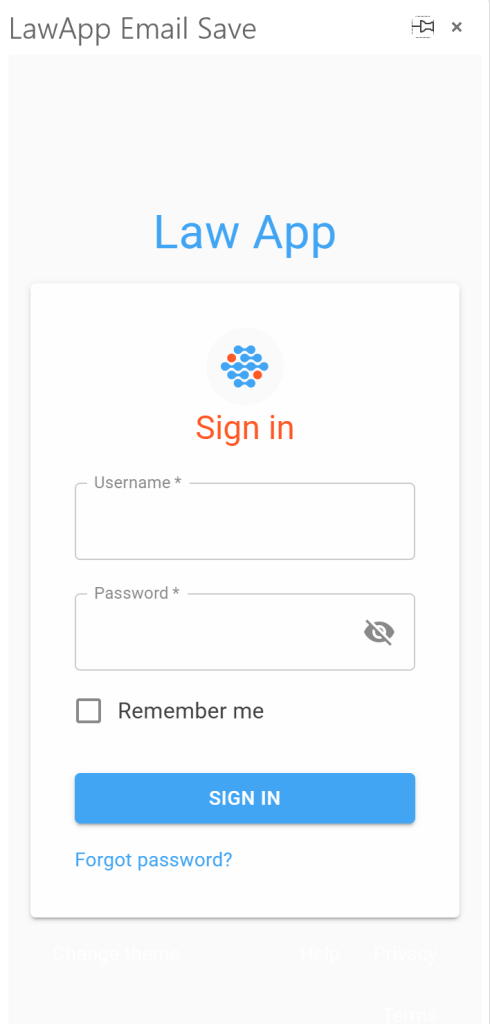
- Then you will be presented with the screen below and you will need to login again using your Law App credentials.
Leave a Reply