
Yes – LawApp allows you to track non-billable time for internal reporting, matter tracking, or compliance purposes.
How to record non-billable time:
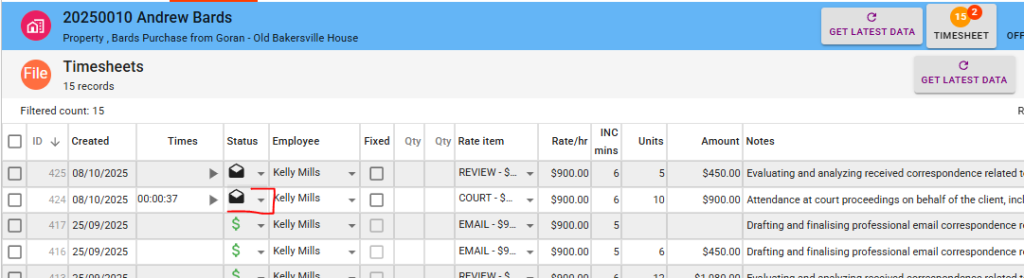
- Go to any Time Entry screen (from a file or your timesheet).
- Create or open a time entry.
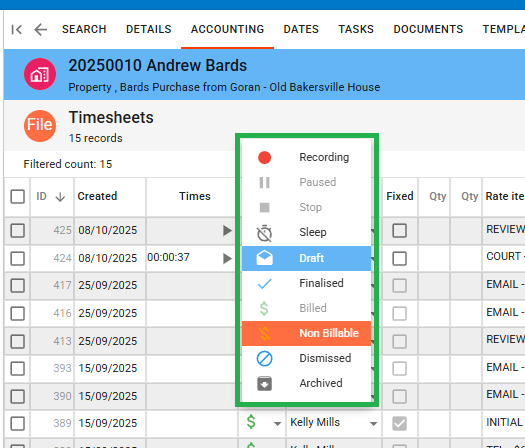
- In the Status or Billing Code field, select a Non-Billable status.
This will ensure the time is recorded but excluded from billing while still being available in time reports and internal summaries.
Leave a Reply