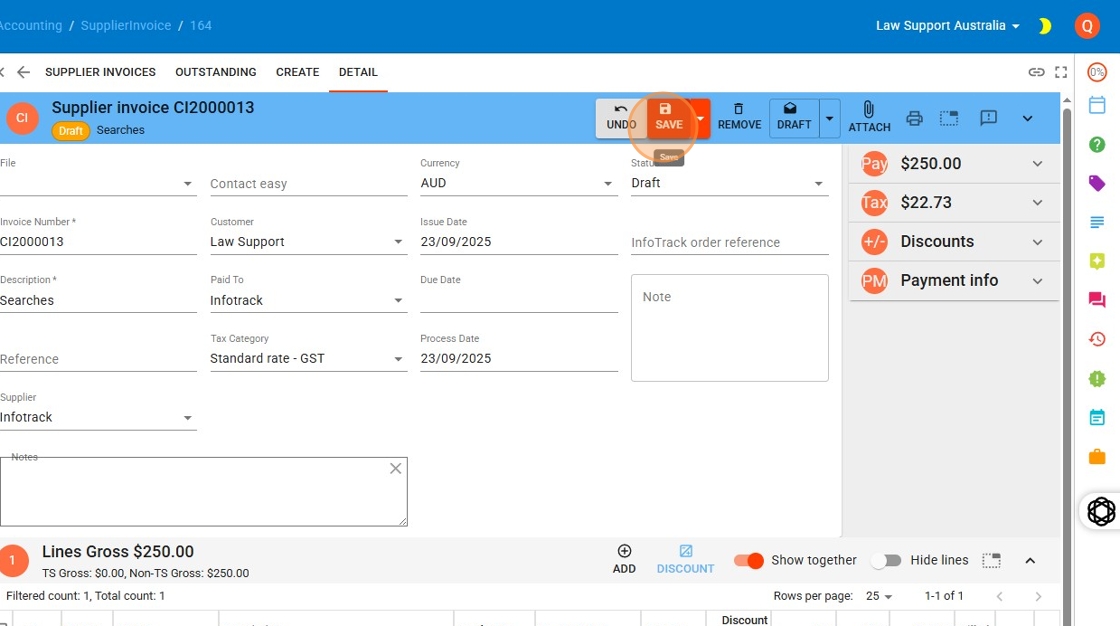
You have two options:
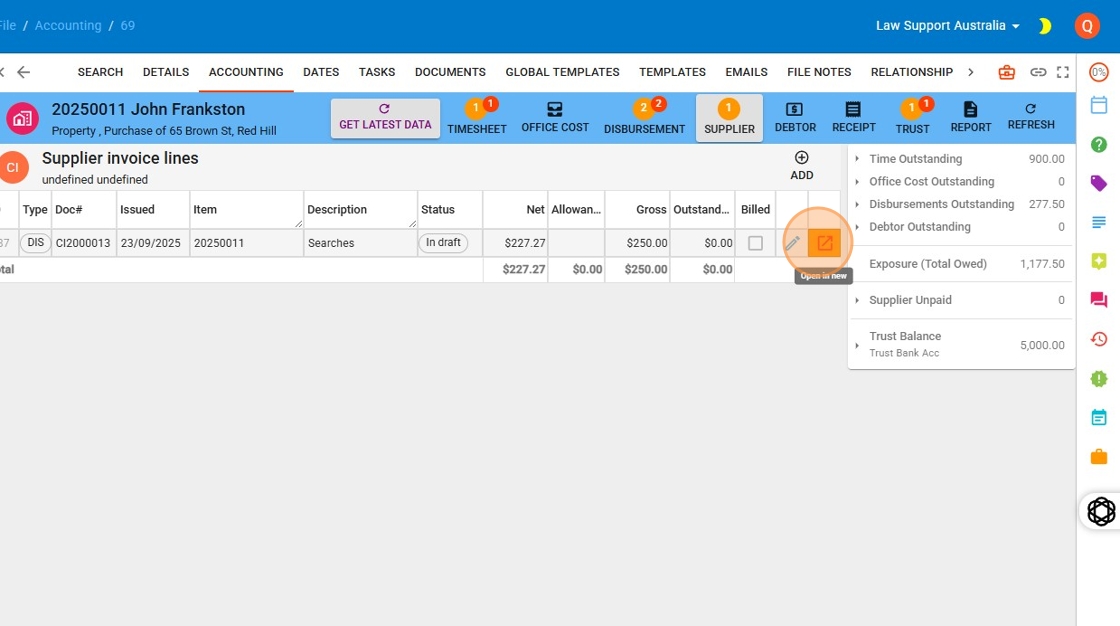
From the file, click the square with the arrow icon (also known as the ‘Law App go-to icon’) at the end of the supplier invoice line.
Or, navigate to Accounting > Suppliers via the left-hand menu, search for the relevant invoice in the Supplier Invoices List, and click the same go-to icon to open it.
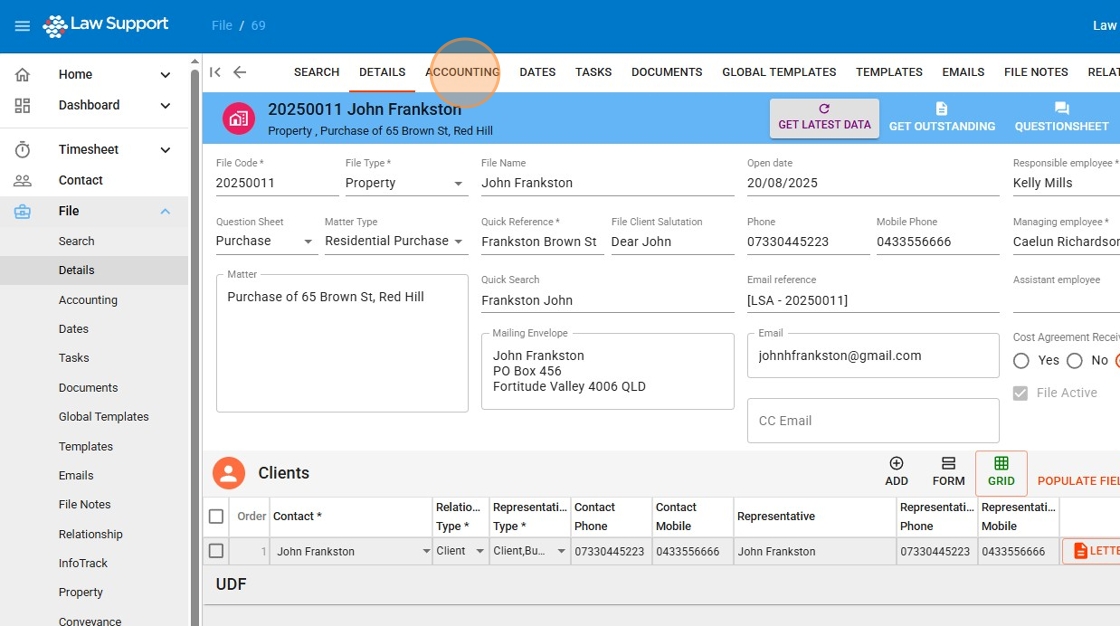
1. Go to the accounting tab of the file
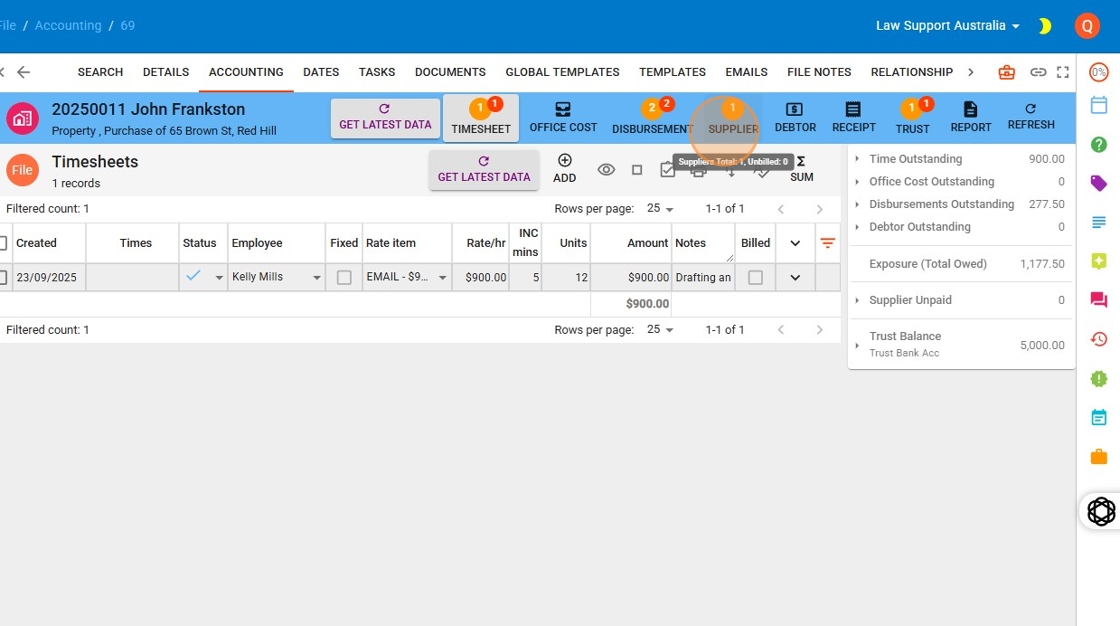
2. Click “Supplier”
3. Open the supplier you wish to edit.
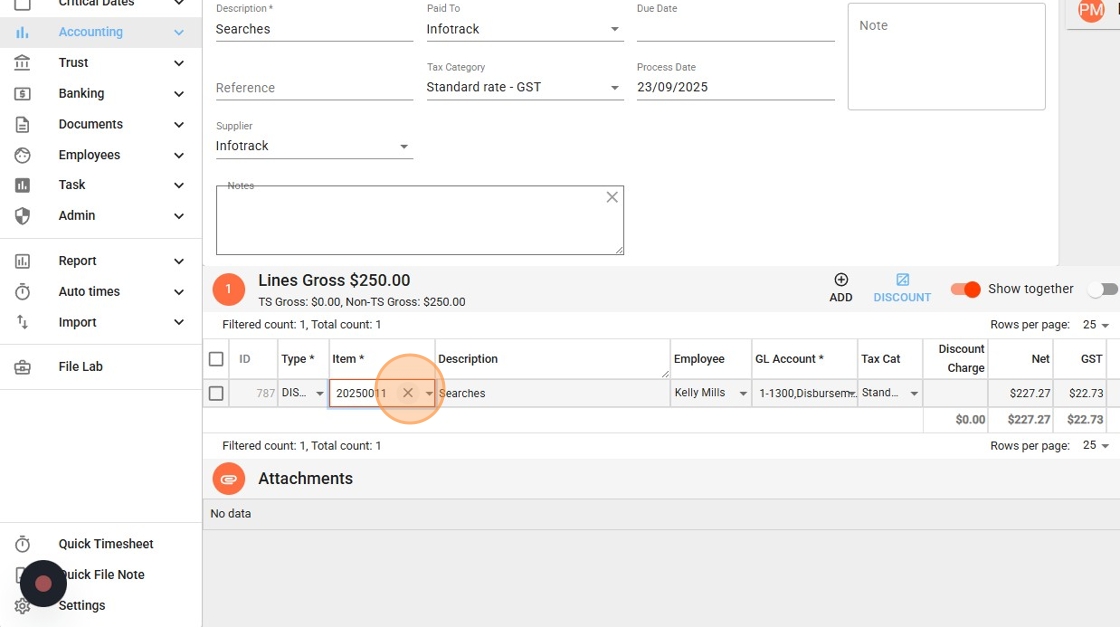
4. Press the x next to the file number to clear the current file allocation
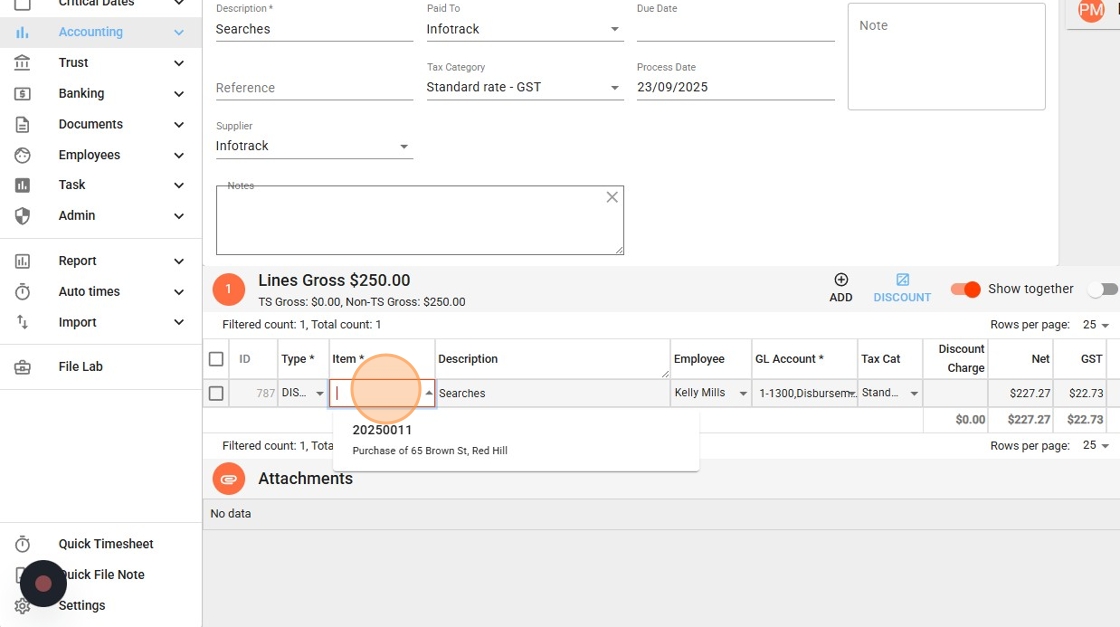
5. Search for new file to allocate the search to.
6. Click “Save”