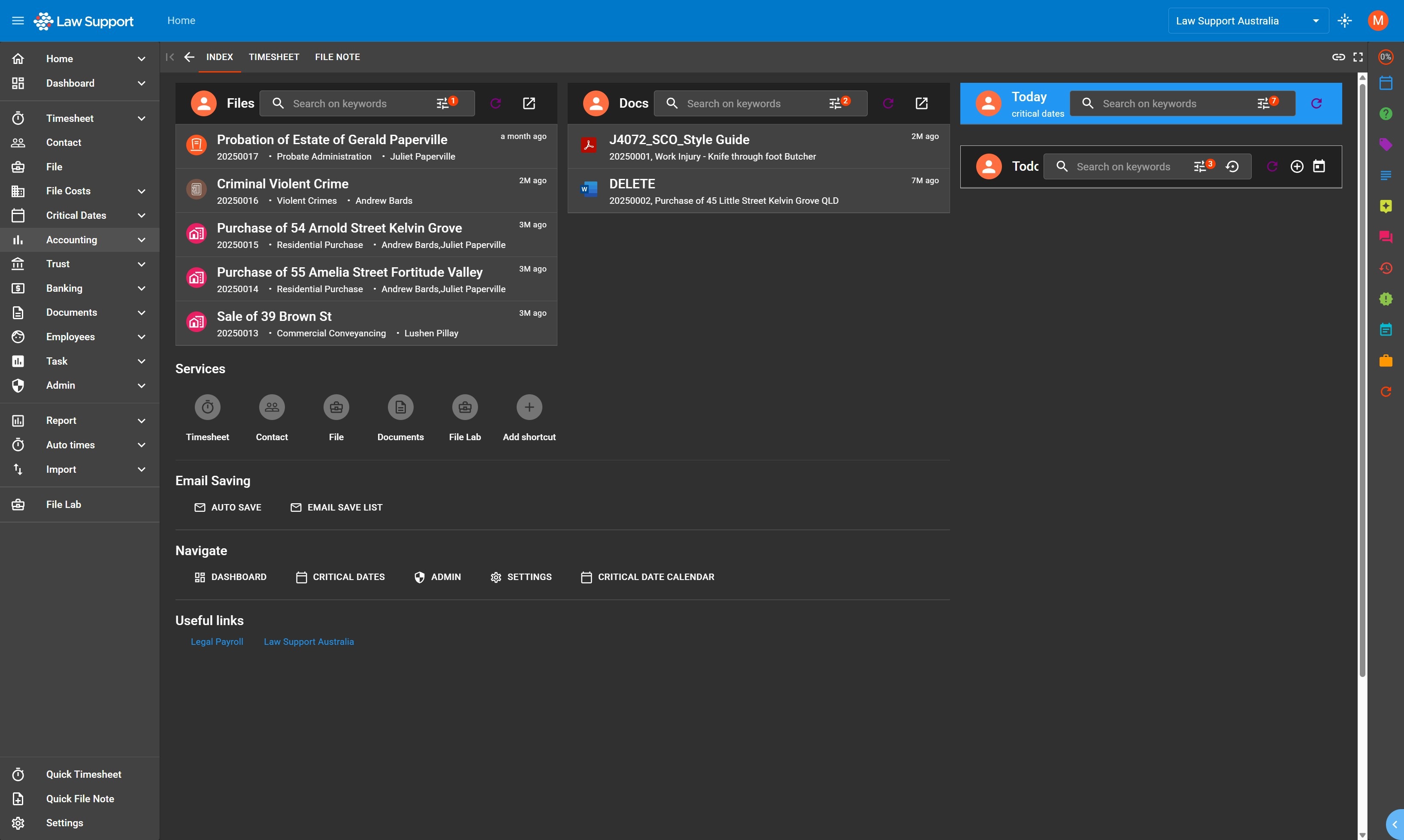
1. Navigate to https://app.lawsupport.com.au/
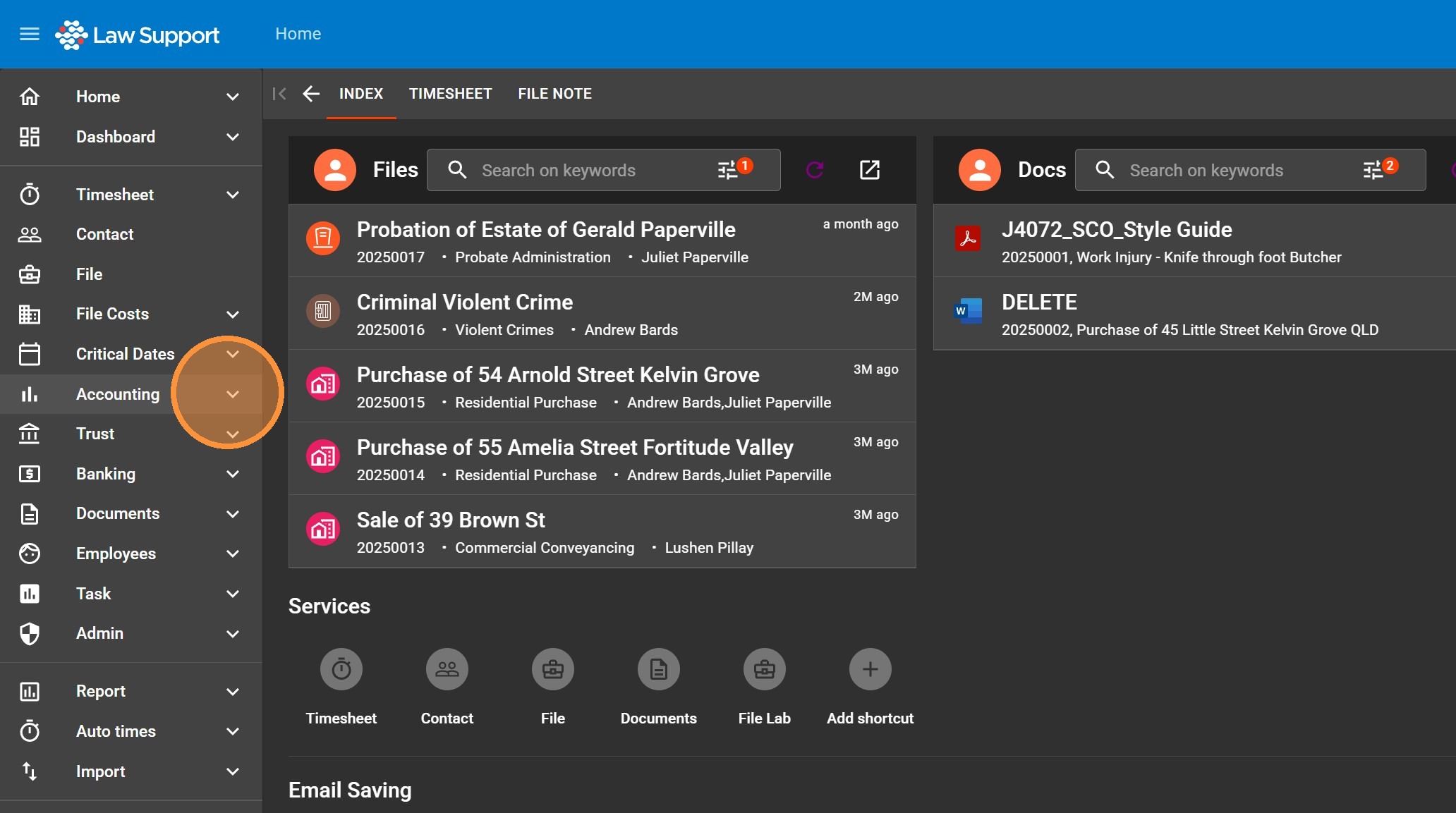
2. Click here.
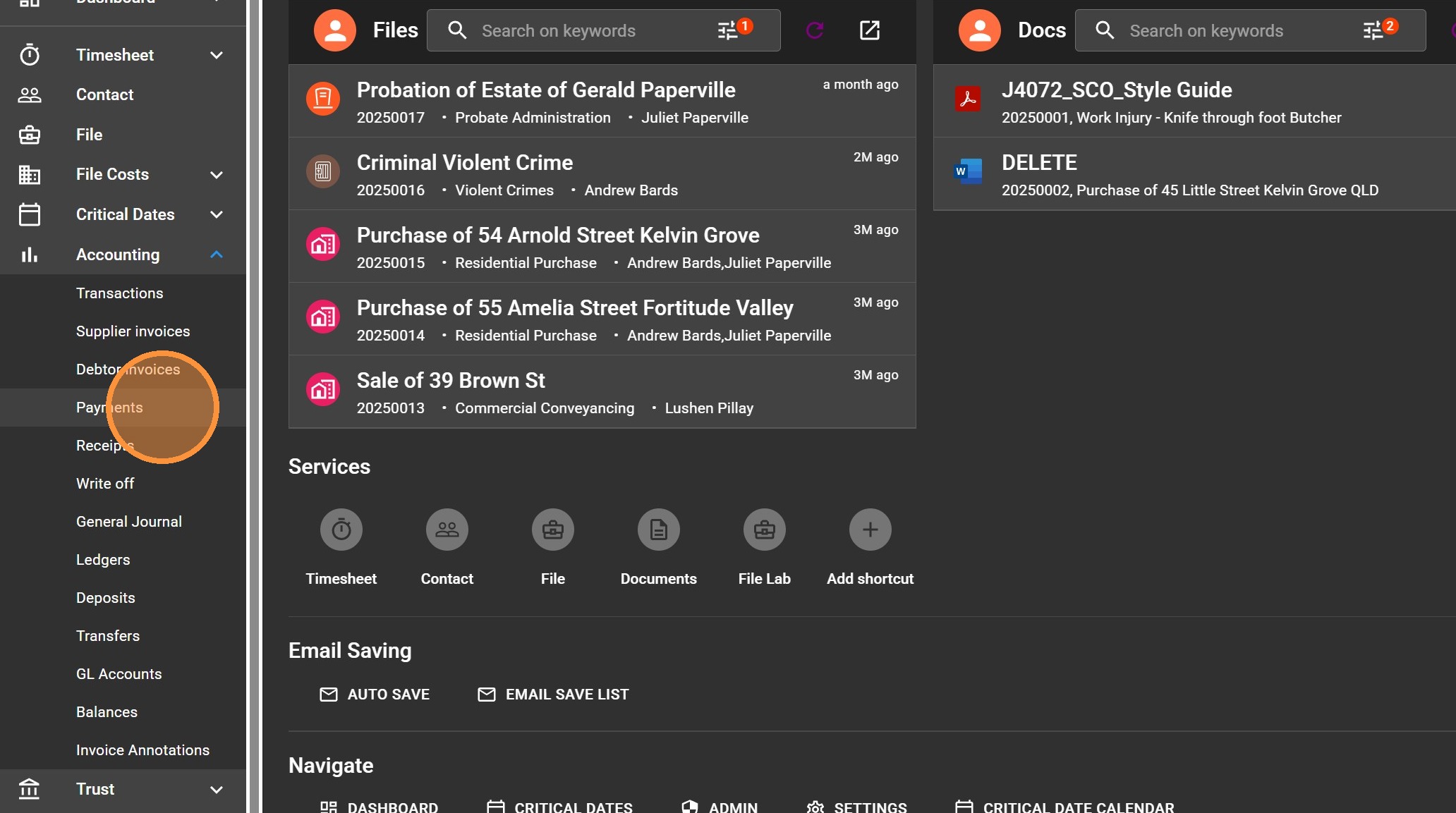
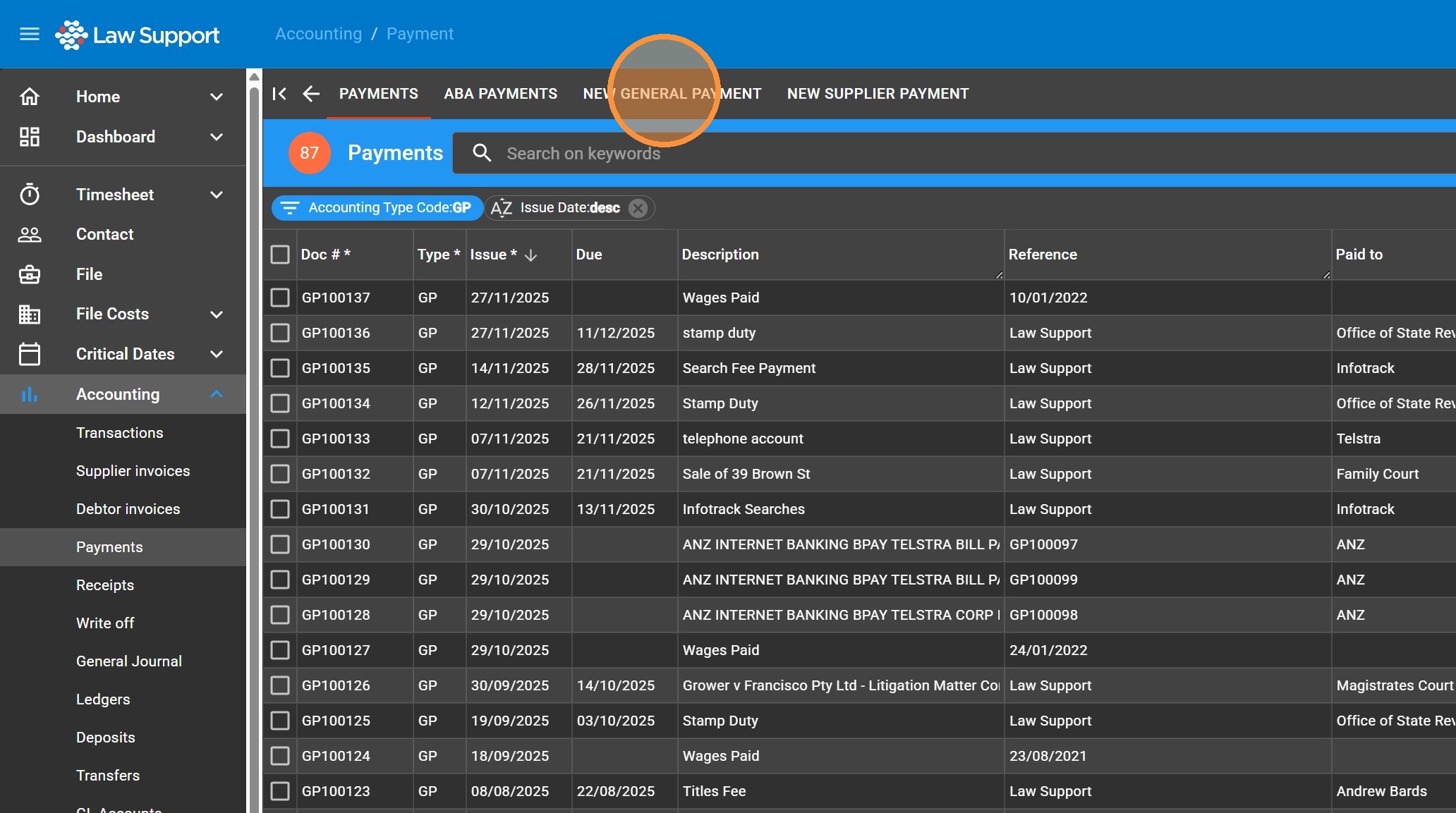
3. Click “Payments”
4. Click “New General Payment”
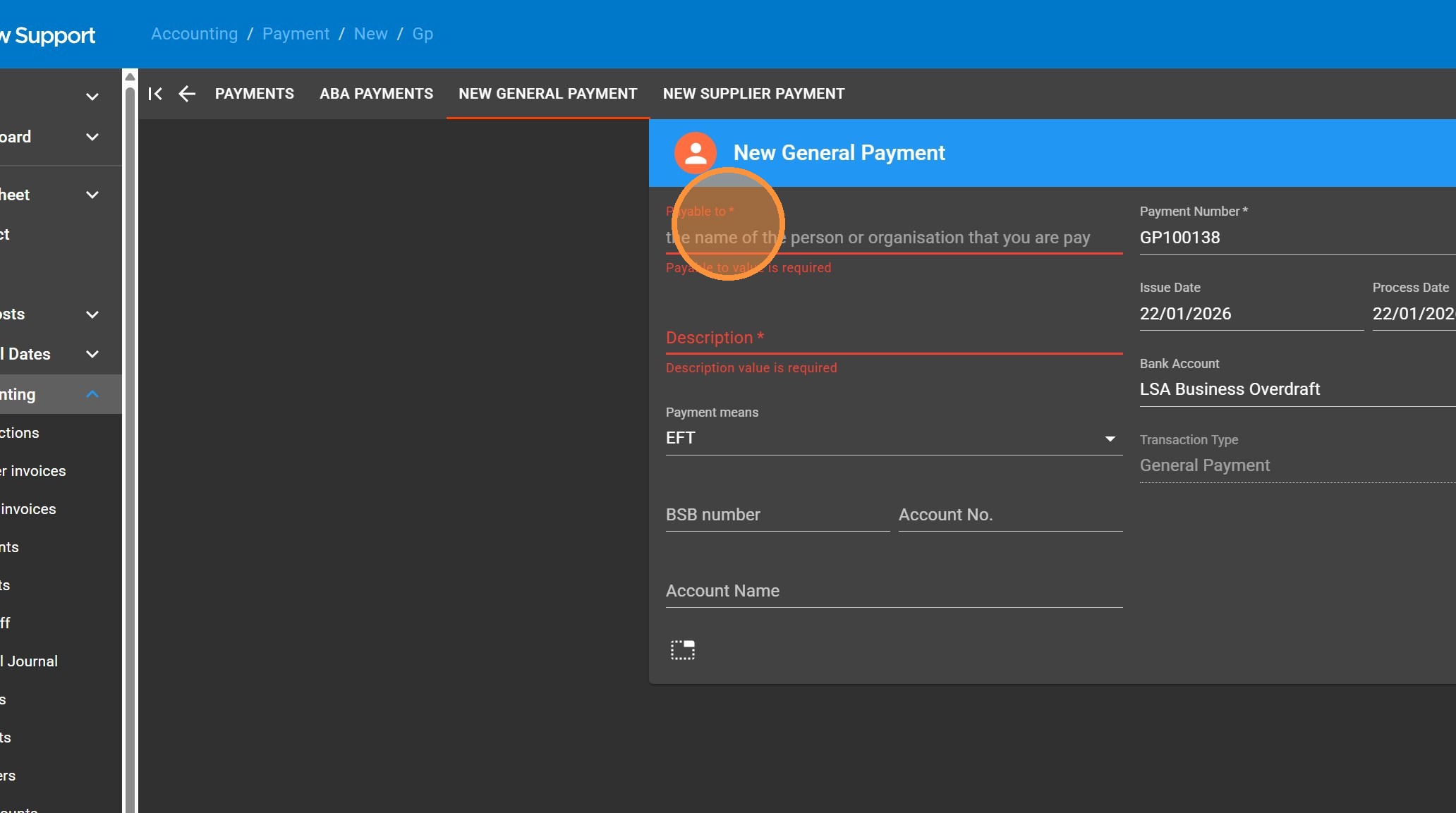
5. Fill out the form
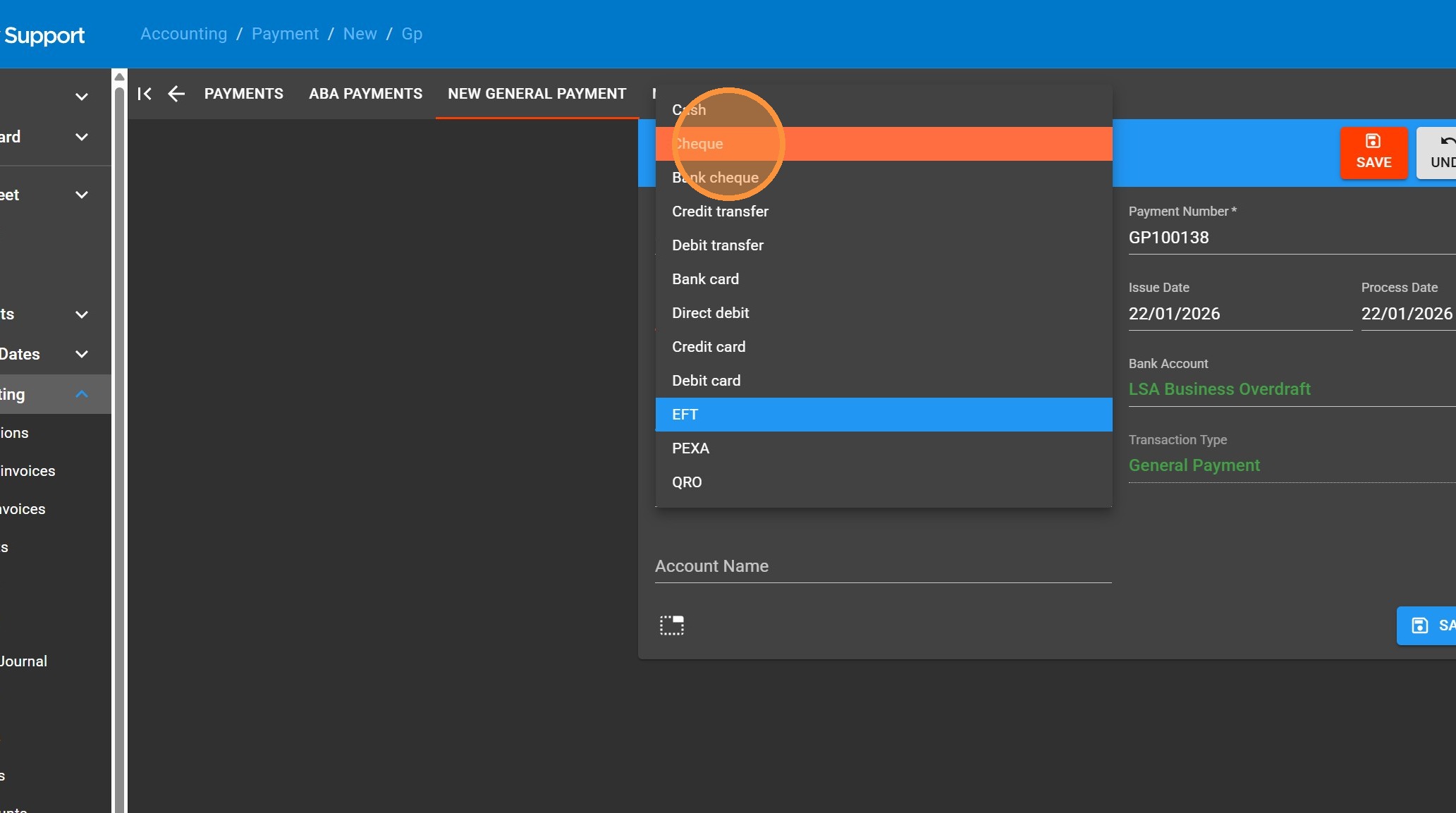
6. Change the Payment means to “Cheque”
7. If you want the Payment Number to be a different sequence for eg GC00001 you will have to set up the number sequencer for that
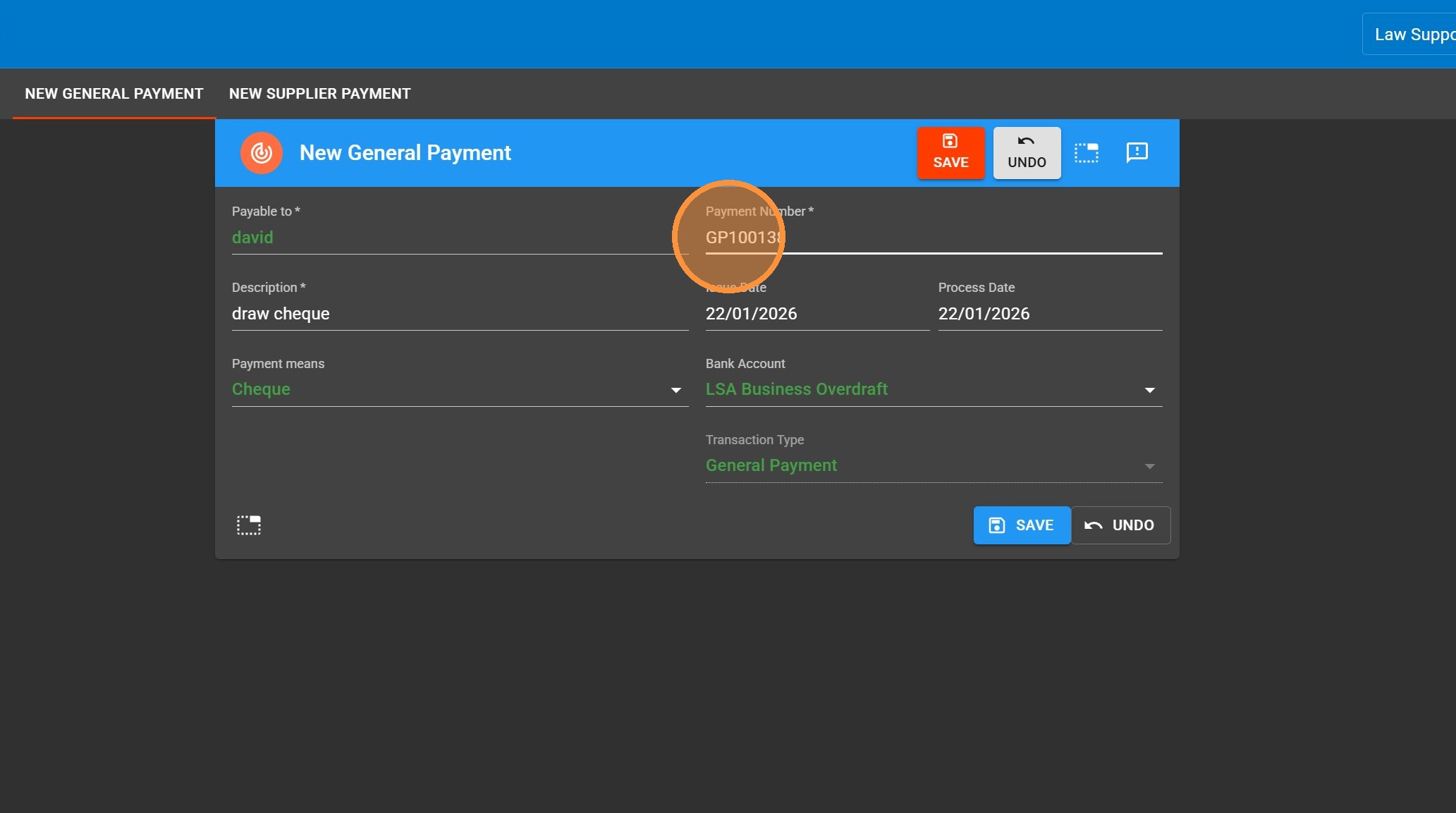
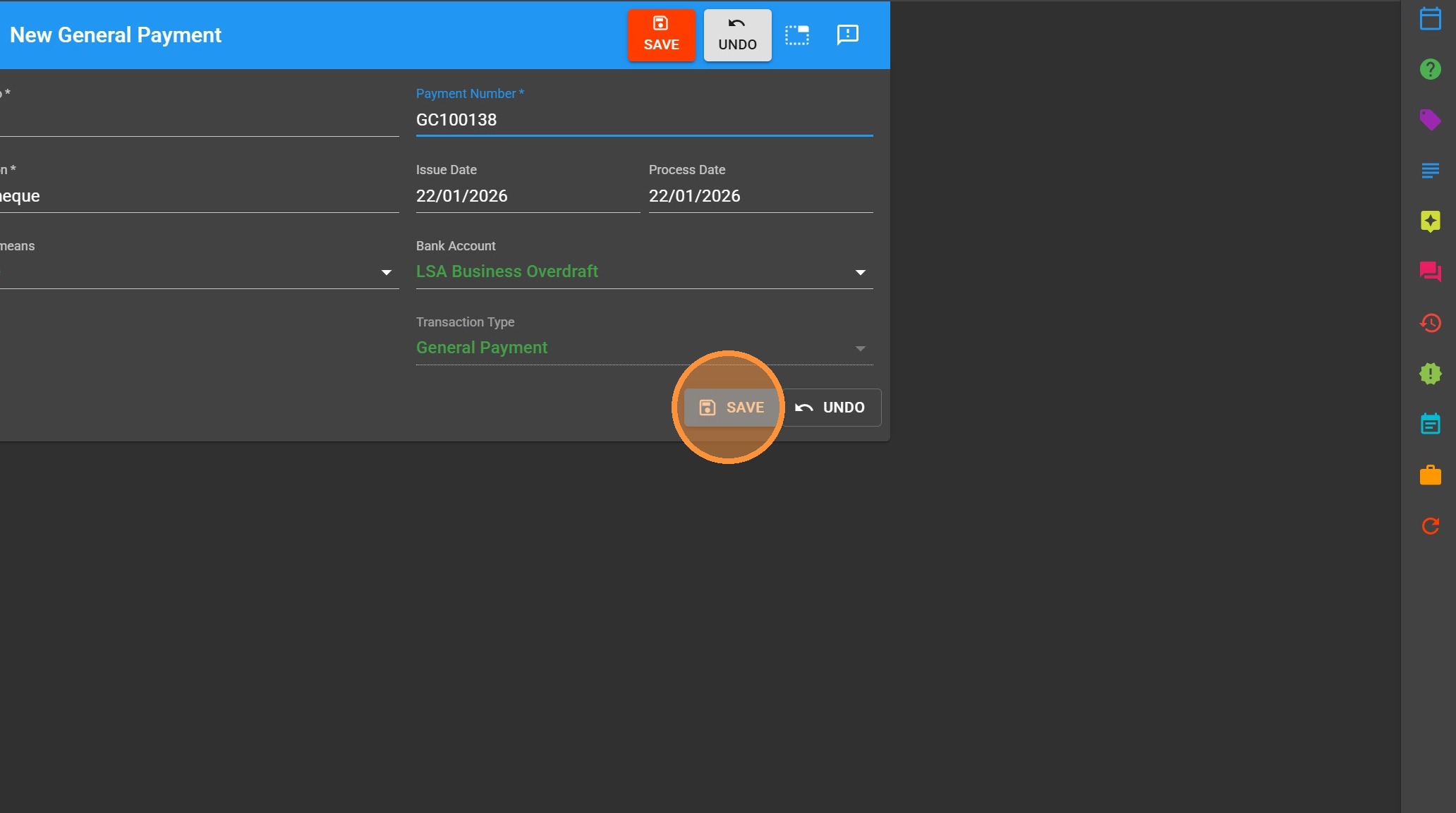
8. Click “Save”