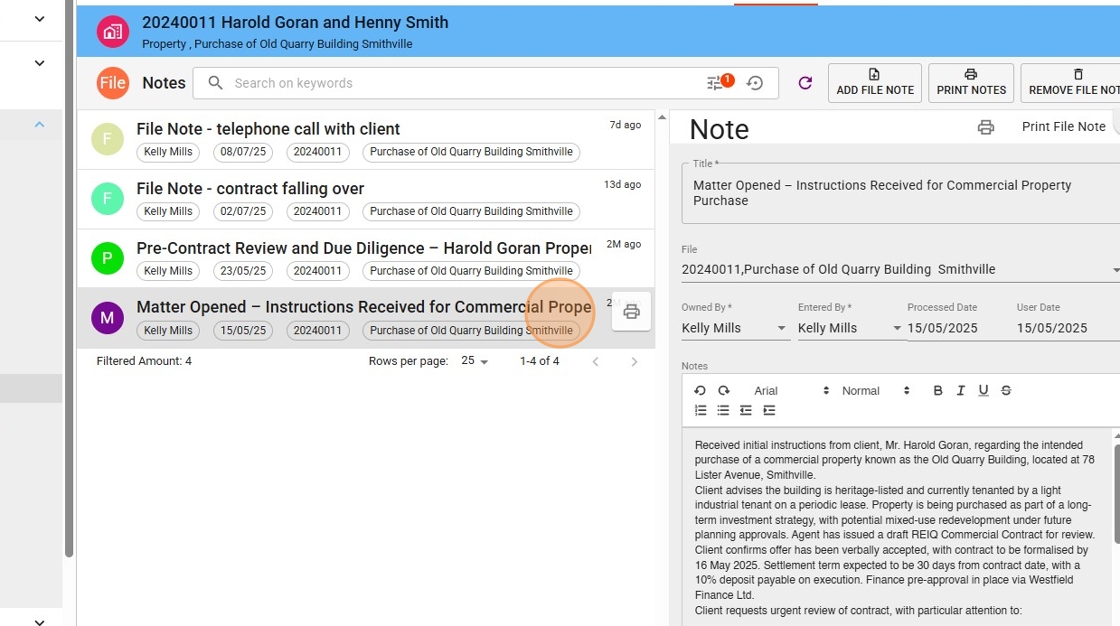
1. While in the file and select the file note tab to view all file notes on a file.

2. Click the file note you wish to print. the print button will show when you hover
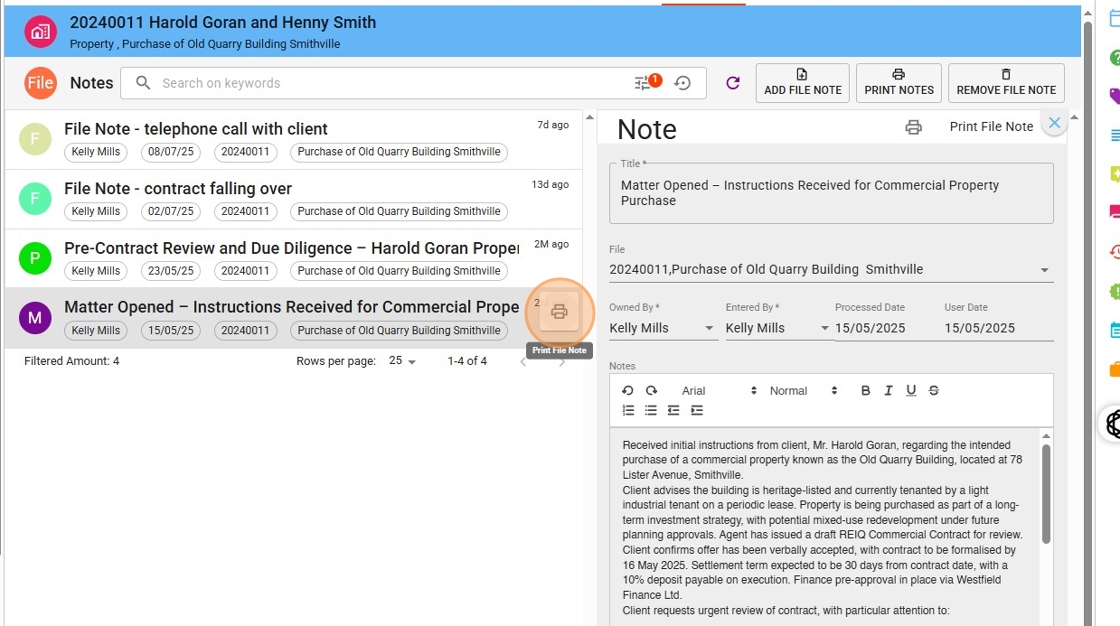
3. Click the print icon.
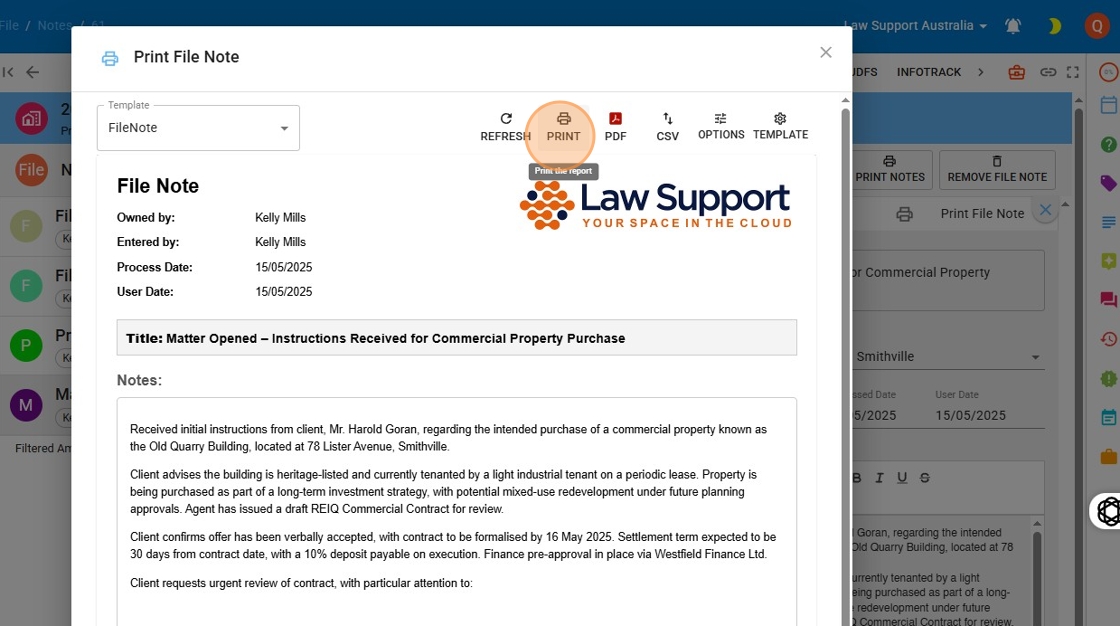
4. Click “Print”

1. While in the file and select the file note tab to view all file notes on a file.
2. Click the file note you wish to print. the print button will show when you hover
3. Click the print icon.
4. Click “Print”
